 English
 العربية

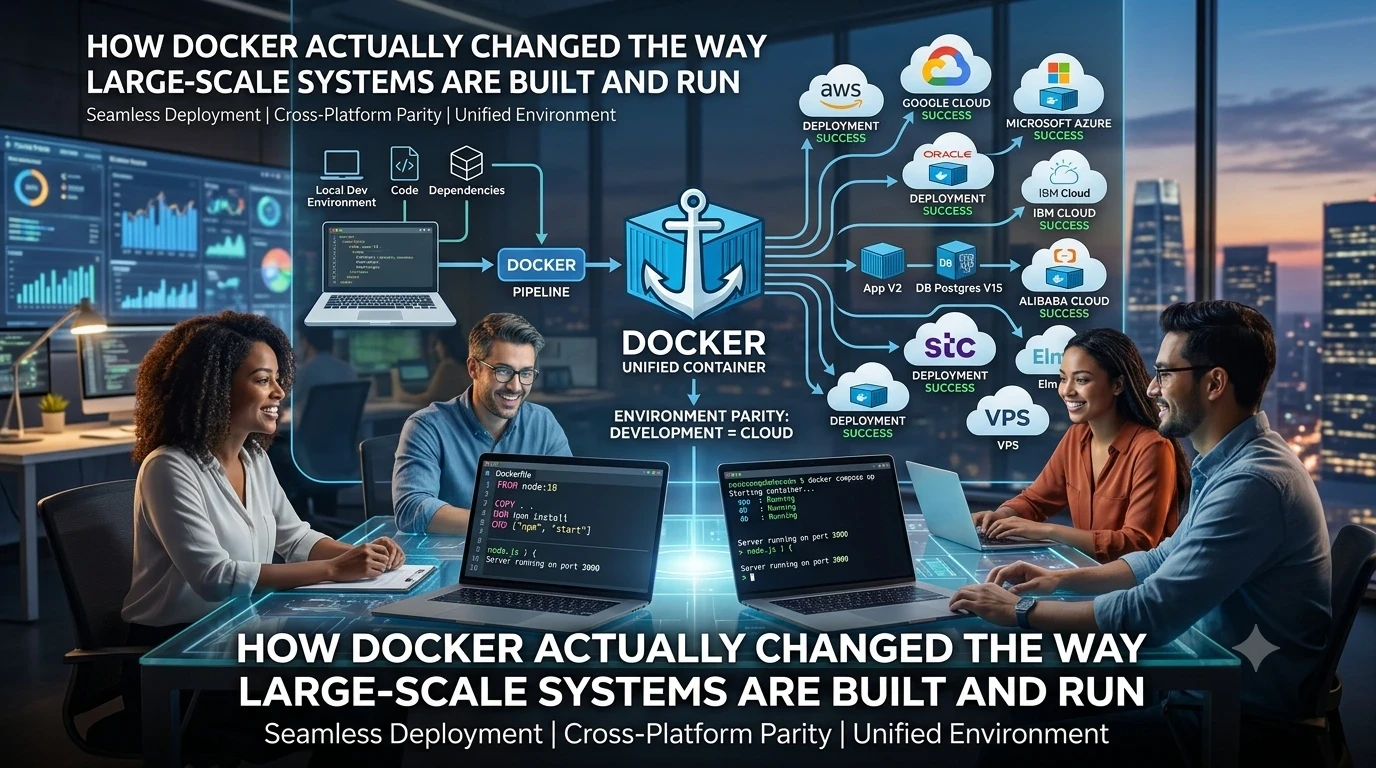
How Docker Actually Changed the Way Large-Scale Systems Are Built and Run
Especially when working across platforms such as:
AWS, Google Cloud, Microsoft Azure, Oracle Cloud, IBM Cloud, Alibaba Cloud, stc, Elm, or any VPS hosting multiple services and projects.
In any serious software project, the real problem does not start with writing code.
It starts at the moment the application is moved from the development machine to a server.
Everything may work perfectly locally, and then suddenly:
-
A different PHP or Python version breaks the system
-
Missing configurations cause failures
-
The database refuses to start
-
A service works on one machine but fails on another
This is where Docker becomes a practical and transformative solution.
The Core Idea (Simplified)
Docker packages an application and everything it needs to run inside a container.
Instead of saying:
“It works on my machine, or only on a specific server”
The idea becomes:
“It works exactly the same in any environment.”
Key Docker Files (Practical View)
Most Docker-based projects rely on three core files:
1. Dockerfile
This is the recipe for building the application environment.
It defines:
-
Base operating system
-
Programming language runtime
-
Required dependencies
-
How the application is executed
Simple Node.js example:
FROM node:18

WORKDIR /app

COPY package*.json ./

RUN npm install

COPY . .

EXPOSE 3000

CMD ["npm", "start"]
In simple terms:
“Create a Node runtime, copy the project, install dependencies, and run it.”
2. docker-compose.yml
This is the core of managing complex systems.
Instead of running each service manually, you define the entire system in one file.
Example:
version: "3.8"

services:
  app:
    build: .
    ports:
      - "3000:3000"
    depends_on:
      - db

  db:
    image: postgres:15
    environment:
      POSTGRES_USER: admin
      POSTGRES_PASSWORD: secret
      POSTGRES_DB: myapp
    ports:
      - "5432:5432"
Here you have:
-
Application service (app)
-
Database service (db)
-
Clear communication between them
3. .dockerignore
This is similar to .gitignore.
It defines what should NOT be included inside the Docker image, such as:
-
node_modules
-
log files
-
temporary files
Example:
node_modules
npm-debug.log
.env
How It Actually Works
Once these files are ready, the entire system can be started with a single command:
docker compose up
Within moments:
-
The entire system is running
-
No manual setup
-
No environment mismatch
-
No time wasted configuring servers
Why This Matters for Large Systems
In modern architectures—especially:
Microservices Architecture
Each component is an independent service:
-
Users Service
-
Payments Service
-
Notifications Service
-
Reports Service
Docker allows each service to run as an isolated unit while still being part of one system.
The Real-World Impact
From practical experience, Docker significantly:
-
Reduces environment mismatch issues
-
Simplifies moving applications between servers
-
Enables one-command system startup
-
Enforces clear service separation
-
Improves scalability readiness
A Key Insight
One of the most powerful advantages is that you no longer modify the application to fit the environment.
Instead, you modify the environment (Docker configuration) to fit the application.
And if anything changes—framework updates, dependency upgrades, or infrastructure changes—you only adjust:
-
Dockerfile
-
docker-compose.yml
Then simply run:
docker compose up
And the system works everywhere, consistently.
Over time, it becomes almost impossible to imagine building large-scale systems without this approach.
#Docker #SoftwareEngineering #DevOps #Microservices #BackendDevelopment #SystemDesign #CloudComputing

Add New Comment